
こういうのやりたいとき
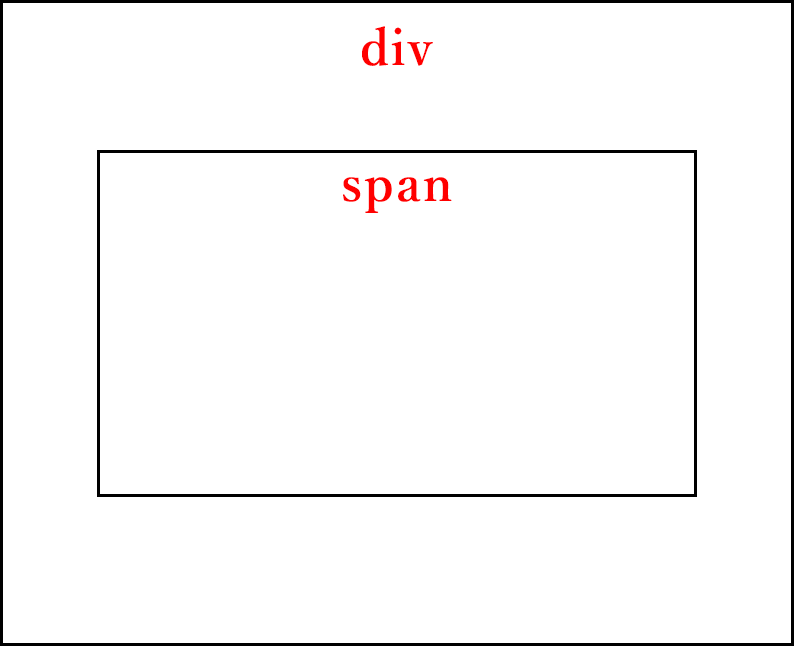
実際にコード書いてみる。
<div class="flexbox-center">
    <span>真ん中</span>
</div>
.flexbox-center {
    display: flex; /* 子要素をflexboxで揃える */
    flex-direction: column; /* 子要素をflexboxにより縦方向に揃える */
    justify-content: center; /* 子要素をflexboxにより中央に配置する */
    align-items: center;  /* 子要素をflexboxにより中央に配置する */
    width: 200px; /* 見た目用 */
    height: 200px; /* 見た目用 */
    border: 1px solid; /* 見た目用 */
}
.flexbox-center span {
    border: 1px solid; /* 見た目用 */
}
真ん中
できました!
解説
・display: flex; を使って直下の子要素(今回はspan)がflex-direction: column; を設定することで縦に並ぶようになる。
・justify-content 縦方向、align-items 横方向の設定することで中央配置できる。